Transparency
Best eSIM for Thailand: Every Price Compared
The best eSIM for Thailand on price: MiloAway beats Airalo, Saily and Holafly at every plan length from 1 to 30 days, on each brand's own published prices.
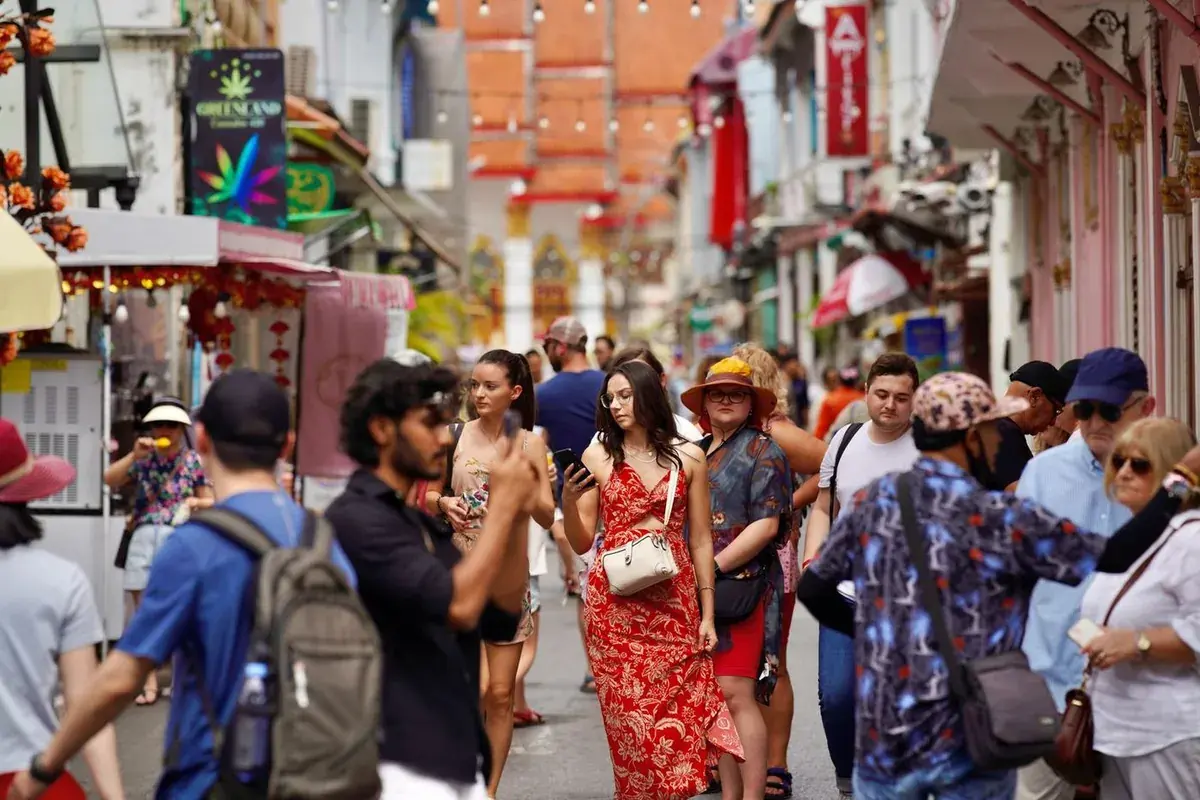
Quick answer: which is the cheapest eSIM for Thailand?
MiloAway is cheaper than Airalo, Saily and Holafly at every plan length, from a single day to 30 days. All four give you the same mobile data in Thailand. The difference is price and how many countries the plan covers. If your trip stays in Thailand, MiloAway is the cheapest option of the four. If you are visiting several countries on the same trip, Airalo or Saily offer regional plans that cover Southeast Asia on a single purchase, which MiloAway does not.
Exact savings
Best eSIM for Thailand: how much you save, every plan
The same verified competitor prices used throughout the site, broken out for every plan length so you can see exactly what you save on each one.
| Plan | MiloAway | Airalo | Saily | Holafly | You save |
|---|---|---|---|---|---|
| 1 day | £1.49 | ≈ £2.50 | ≈ £2.30 | £4.00 | -£0.81(35%) |
| 3 days | £3.49 | £7.50 | ≈ £6.89 | £10.00 | -£3.40(49%) |
| 7 days | £5.99 | £16.50 | £15.99 | £22.00 | -£10.00(63%) |
| 15 days | £9.99 | £30.00 | £29.99 | £41.00 | -£20.00(67%) |
| 30 days | £14.99 | £37.50 | £37.49 | £60.00 | -£22.50(60%) |
vs Saily's 5-day plan
Ready to get connected?
Get your Thailand eSIMThailand eSIM price comparison: what Airalo, Saily and Holafly charge
Competitor prices last checked 2 September 2026.
These are the four brands most people weigh up for a Thailand trip. The prices in the table above are checked on each brand's own site rather than taken from a press page, so what follows is about the shape of each offer: whether you pick a data bundle or get unlimited, and how many countries the brand is built around. Every brand here works fine in Thailand. The difference is what you are paying for.
MiloAway
- What it sells
- Unlimited data only, in 1, 3, 7, 15 and 30 day lengths. There are no GB tiers to pick between, so there is nothing to size up or run out of.
- Where it works
- Thailand only.
- When it fits
- A Thailand trip where you would rather not think about data at all. Being built around one country is the reason the price is what it is: there is no global catalogue, app or ad budget behind it. If your trip takes in several countries, one of the multi-country brands below will suit you better.
MiloAway is built entirely around Thailand, which is why the price is what it is. There is no global platform overhead, no app to maintain, no marketing budget spread across 200 countries. Just one destination, priced accordingly.
Plans are unlimited in the sense that you never hit a hard cap and lose your connection. After 2 GB in a day your speed drops to 384 kbps until midnight Thailand time, then full speed resumes. At 384 kbps, maps and WhatsApp still work fine. Streaming video does not. For most tourist trips (sightseeing, restaurants, navigation) the daily 2 GB is more than enough.
Installation takes about two minutes with no app: scan the QR code from your purchase email, set the eSIM as your data line, and keep your home SIM active for calls and texts. The plan activates the moment your phone connects to a Thai network, so you can install it days before you fly.
The one limit worth knowing upfront: MiloAway is Thailand-only. If your trip includes other countries, you need a different eSIM for those legs.
Airalo
- What it sells
- Both GB bundles and unlimited plans, so you choose a size up front and top up if you run out.
- Where it works
- Many countries, with regional and global plans as well as single-country ones.
- When it fits
- Trips across several countries on one plan, or a light user who genuinely only needs a few GB and would rather pay for that than for unlimited.
Airalo is the largest eSIM marketplace by catalogue size, covering over 200 countries and regions, with both GB tiers and unlimited plans available per destination. For Thailand specifically, both options exist: unlimited plans and GB bundles from 1 GB upwards, so you can right-size if your usage will be light.
Installation is handled through the Airalo app, which is polished and consistently well-rated. For a single-country trip the app is an extra step that adds nothing; for multi-country trips it earns its keep by managing all your eSIMs in one place.
Thailand pricing is higher than MiloAway at every plan length. See the table above for the exact gap. The premium makes sense if you are combining Thailand with other stops, or if you genuinely need a tiered GB plan rather than unlimited. For Thailand-only unlimited, you are paying for a multi-country platform you will not use.
Saily
- What it sells
- Both GB bundles and unlimited plans, in the same pick-a-size way.
- Where it works
- Many countries.
- When it fits
- Much the same case as Airalo. Worth comparing the two directly for the exact trip length you need, because which of them is cheaper moves around by plan length rather than being fixed.
Saily is NordVPN's eSIM brand, launched in 2024. The setup is app-based, the catalogue covers many countries, and plans for Thailand include both GB tiers and unlimited, the same shape as Airalo.
The two brands are close enough in pricing that checking both for your exact trip length is worth a moment. Which is cheaper shifts by plan length rather than one always beating the other. On the 7-day comparison Saily and Airalo are typically within a pound or two of each other on unlimited. Neither is near MiloAway on Thailand-only pricing.
Saily is a solid pick if you want a single app across several countries, or if you are already in NordVPN's ecosystem where bundle deals occasionally appear. For Thailand alone, the price difference in the table is the main thing to weigh against the convenience of a multi-country platform.
Holafly
- What it sells
- Unlimited data only, with no GB tiers, which is the same shape as MiloAway.
- Where it works
- Many countries.
- When it fits
- You want unlimited without choosing a size and you are travelling beyond Thailand. For Thailand alone it is the most expensive of the four at every plan length we check.
Holafly sells unlimited-only eSIMs across many countries, with the same no-tiers shape as MiloAway but much wider destination coverage. For a trip that includes Thailand alongside other countries, a single Holafly plan removes the need to buy a separate eSIM per stop.
The trade-off is price. Holafly is the most expensive of the four at every Thailand plan length we check, typically 50 to 80 percent more than MiloAway on the same duration. Fair-use policies also vary by country and are not always clearly published; it is worth checking the specific terms for Thailand before buying.
Installation is via QR code or the Holafly app. Coverage in Thailand runs on the same underlying networks as the other brands here. You are paying for the multi-country platform, not for better signal.
For Thailand alone, the pricing premium reflects no practical advantage over the cheaper options. For a multi-stop trip where you want one eSIM for everything, it is worth considering.
Which is the best eSIM for Thailand?
The honest version, given we sell one of these. Sort by what your trip actually is rather than by the headline price.
| Your trip | What to pick |
|---|---|
| Thailand only, and you do not want to think about data | MiloAway. Unlimited, and the cheapest unlimited plan of the four at every length in the table. |
| Several countries on one trip | Airalo or Saily. One plan covering the region beats buying a separate eSIM per country, and we do not sell that. |
| A few days, very light use | A small Airalo or Saily bundle can undercut any unlimited plan. Check the table for your length before assuming unlimited is cheaper. |
| Unlimited, multi-country, price not the deciding factor | Holafly. Unlimited-only like us, across many countries, at a higher price. |
| A Thai phone number, not just data | None of these. You need a physical SIM or dtac's Happy Tourist eSIM. The SIM card guide covers how. |
How to install a Thailand eSIM
Install takes about two minutes. Do it at home before you fly. Airport WiFi is unreliable and you will not want to troubleshoot after a long-haul flight.
- 1
Buy and receive your QR code
After purchase you get a QR code by email, usually within a minute or two. You do not need to scan it immediately. You can install it the same day or days before you travel.
- 2
On iPhone (XS or later): scan in Settings
Go to Settings → Mobile Data → Add eSIM → Use QR Code, then scan the code from your email. When prompted, label the plan (e.g. "Thailand") and set it as your data SIM. Keep your home SIM as the default for calls and texts.
- 3
On Android: scan in SIM settings
Go to Settings → Connections → SIM card manager → Add mobile plan (Samsung), or Settings → Network & internet → SIMs → Add SIM (Pixel). Steps vary slightly by manufacturer but the option is always in SIM or network settings. Scan the QR code and set the eSIM as your data line.
- 4
Set your data SIM and you are done
Once installed, the plan is dormant until your phone connects to a Thai network. You can install it weeks before your trip; it will not start until you land. Leave your home SIM active the whole time so you keep receiving calls and texts.
Good to know
- You need a WiFi connection to download the eSIM profile when you scan the QR code.
- Each QR code can only be scanned once and is tied to the device you use. Do not scan it on a different phone from the one you intend to use in Thailand.
- If your phone asks which SIM to use for mobile data when you arrive, select the Thailand eSIM.
- eSIMs cannot be transferred between devices once installed. If you change phones, contact support before your trip.
Which network does a Thailand eSIM use?
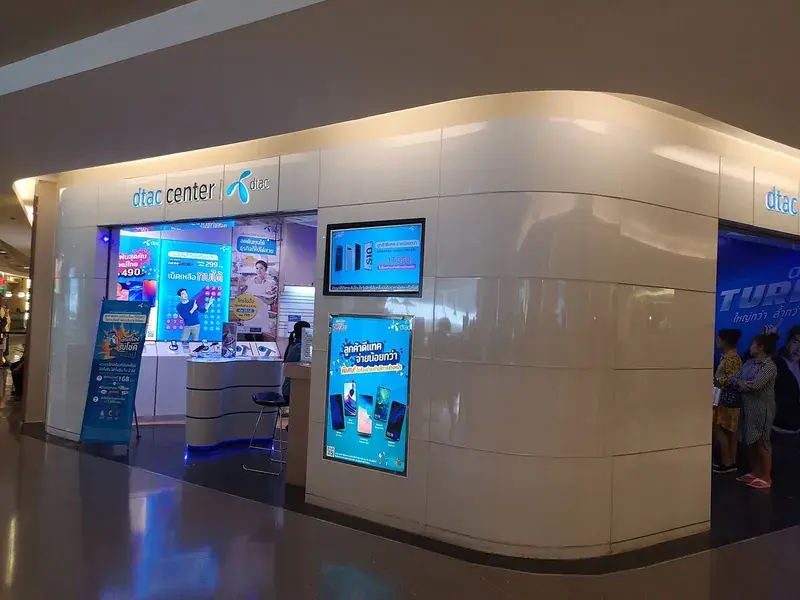
Operators
TrueMove + DTAC
City speed
10–50 Mbps 4G
Daily full-speed
2 GB, then 384 kbps
MiloAway runs on TrueMove and DTAC, Thailand's two biggest mobile networks. The two operators merged in 2023 under the True-dtac name, though you will still see DTAC branding at shops and counters across the country. Between them they cover Bangkok, Chiang Mai, Phuket, Koh Samui, Pattaya and virtually every destination on the main tourist circuit. Coverage thins out in some remote rural areas and does not currently reach Pattani, Narathiwat, or Yala in the deep south.
In cities and along the popular tourist routes you can expect 4G speeds in the 10–50 Mbps range, more than enough for video calls, streaming and navigation. MiloAway plans include 2 GB of full-speed data each day; after that the connection continues at a reduced speed of 384 kbps for the rest of that day. You are never cut off, just slower if you are a heavy user.
How much data do you need for Thailand?

Most tourists use between 500 MB and 3 GB per day, depending on what they do on their phone. The baseline for maps, messaging and occasional browsing is around 150 MB a day. Add an hour of social media (Instagram, TikTok) and you are looking at around 600 MB. Add an hour of streaming video and that climbs to 2–3 GB a day.
Unlimited plans, like MiloAway, remove the decision entirely: you pick a plan length rather than a size. If you prefer a tiered plan with a set GB allowance, size it at roughly your daily use multiplied by the trip length, with a margin for heavier days.
Use the interactive data needs calculator in the SIM card guide to work through your exact activities.
Thailand eSIM vs physical SIM card: which should you get?

Both give you mobile data on the same Thai networks. The difference is entirely in the setup process and what your phone needs to support.
A physical SIM from AIS or True-dtac is available at every major airport in Thailand: Suvarnabhumi (Bangkok), Don Mueang, Phuket and Chiang Mai, as well as at 7-Eleven stores and carrier shops across the country. You hand over your passport, fill in a short form, and the staff activate the SIM on the spot. The whole process takes 5 to 15 minutes if there is no queue; longer during peak arrival times, which at Suvarnabhumi can mean 20 to 30 minutes after a busy flight.
An eSIM installs on your phone before you fly and is active the moment your plane lands. No queue, no counter, no passport handling on arrival. The catch is device compatibility: your phone must support eSIM (most phones from 2018 or later do) and must not be locked to your home carrier.
For most travellers arriving with a compatible phone, an eSIM is the easier option. For travellers with older phones, carrier-locked phones, or those who prefer to sort connectivity on arrival, a physical SIM from AIS or True-dtac works perfectly well.
One thing an eSIM cannot do: provide a local Thai phone number. All eSIM plans on this page are data-only. If you need a Thai number (for example, to receive SMS verification codes from Thai banking apps or services) you need a physical SIM. The Thailand SIM card guide covers both AIS and True-dtac in detail.
Thailand connectivity: what to expect
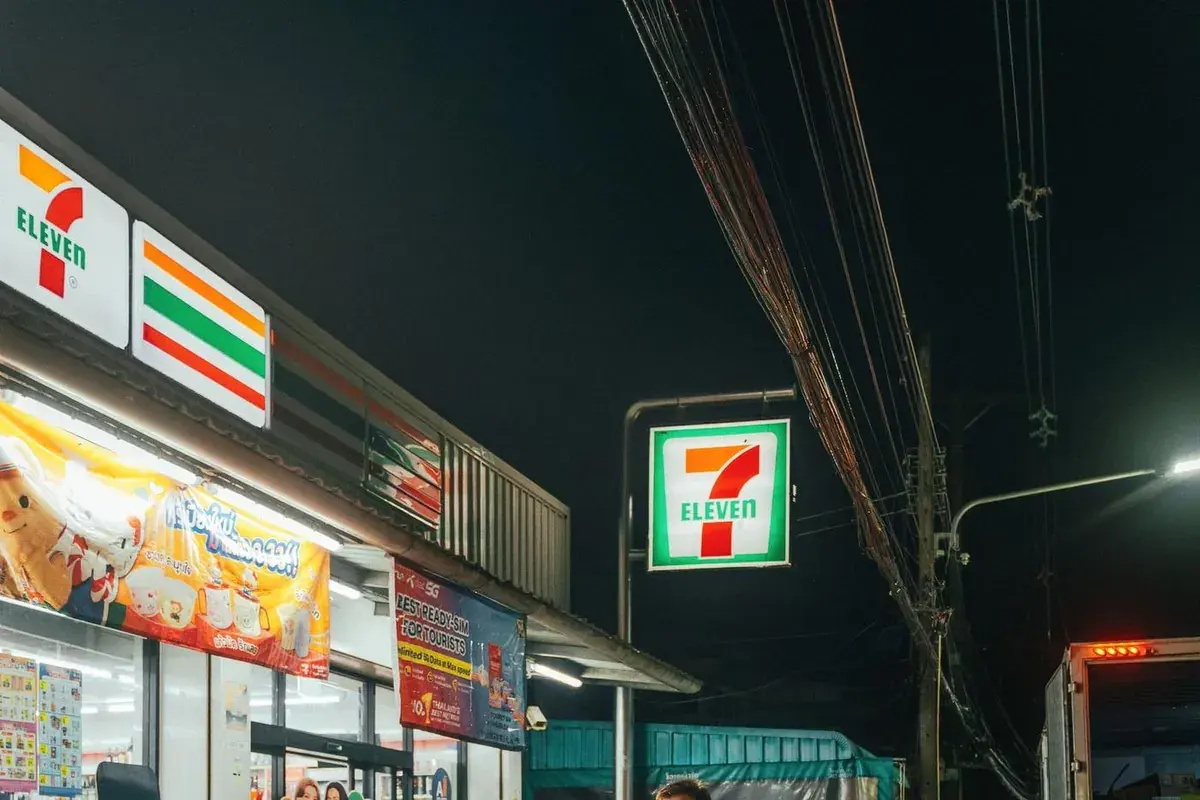
4G coverage confirmed
Coverage in Bangkok, Chiang Mai, Phuket, Koh Samui and Pattaya is strong on both TrueMove and DTAC. You will have 4G in virtually every hotel, restaurant and tourist area. On the main islands, coverage extends across the popular areas but can thin out in the interior or on the less-developed coastlines.
Speed in cities is typically 10 to 50 Mbps on 4G, fast enough for HD video calls, streaming and quick downloads. In rural areas and some mountain regions, speeds drop but maps and messaging remain reliable. The one confirmed gap for MiloAway plans is the deep south: Pattani, Narathiwat, and Yala have limited coverage and are not currently supported.
If you arrive without an eSIM installed: all three main airports have free public WiFi in the arrivals hall, enough to scan the QR code and download the eSIM profile before you leave the terminal. Suvarnabhumi's WiFi is labelled "AOT Free WiFi"; at Phuket it is "PhuketAirport_FreeWifi". If the eSIM fails to activate after scanning, restarting your phone resolves it in most cases. Support is available via live chat if you need help.
For trips that include remote areas or boat travel between islands, the connection is typically fine on arrival at each island. The coverage gap is usually on the open water between them, not at your destination.
What this comparison does not hide
Most eSIM comparison pages show numbers without saying where they came from. Here is how this one works, and what it shows that others often do not.
Prices are checked directly on each brand's own website, not from a press page or API feed. Where we could not verify a competitor's price for a specific currency ourselves, we mark it with ≈ instead of showing a made-up conversion as a real figure. The table above shows which prices are verified and which are estimated.
The fair-use policy is disclosed upfront: MiloAway plans run at full speed for the first 2 GB each day, then at 384 kbps until midnight Thailand time, when full speed resumes. "Unlimited" on this page means unlimited in the sense that you are never disconnected, not unlimited at full speed all day. Most competitors use the word unlimited without stating the fair-use terms.
Prices are last checked on the date shown below the comparison table. If a competitor's price has changed since then, let us know via the contact page and we will verify and update it.
Ready to get connected?
Install a Thailand eSIM before you flyWhy MiloAway is the cheapest eSIM for Thailand
We check Airalo, Saily, and Holafly's own published prices directly on their sites for Thailand, then convert everything into your currency using the same rates MiloAway prices in, so this is a real, apples-to-apples comparison of eSIM providers, not a guess, and it shows which is the best eSIM for Thailand on price. Where we can't verify a competitor's price directly, we mark it as estimated rather than making one up.
We only sell Thailand eSIMs, one destination at a time, instead of running a 200+ country platform with many plan tiers, an app, and a large marketing budget to support. That overhead is what shows up in the big brands' prices. Cutting it is what lets us offer the best eSIM for Thailand at this price, not just the cheapest.
Most phones released after 2018 support eSIM: iPhone XS or later, Google Pixel 3 or later, and most Samsung Galaxy S and A-series phones from 2019 onwards. On iPhone, check Settings > General > About. If you see a Digital SIM or EID number, your phone supports eSIM. On Android, look for Settings > Connections > SIM manager. If your phone is locked to a carrier, contact that carrier to unlock it before your trip.
Yes, and we recommend it. You can install your eSIM as soon as you receive the QR code, days or weeks before you travel. Set the eSIM as your data line and it activates automatically when your phone detects the network on arrival. Installing at home means no fumbling at the airport; you are connected the moment your plane lands.
No. MiloAway sells Thailand-only eSIMs. If you are visiting multiple countries on one trip, Airalo and Saily both offer regional plans covering Southeast Asia on a single purchase, which works out cheaper than buying a separate eSIM per country. We cover both in the brand comparison above.
No. Like all data-only eSIMs, a MiloAway plan gives you mobile data but no local Thai phone number. If you need a Thai number (for two-factor authentication on Thai banking apps, for example) you need a physical SIM from AIS or True-dtac. The Thailand SIM card guide covers how to get one.
We re-check Airalo, Saily, and Holafly's published Thailand prices regularly and update this page when theirs change, so the comparison stays current rather than showing numbers from months ago.
If you spot a price here that no longer matches what a competitor is actually charging, let us know via the chat on our Contact page and we'll verify and correct it. We'd rather fix a stale number than leave an inaccurate comparison up.
Yes. The price you see displayed, in your currency, is what you pay. Exchange rates are baked into our pricing and do not change between the moment you see the price and the moment you complete checkout.
Support is available via live chat on the website. Most setup issues are solved with a phone restart or a network settings reset. The most common cause is trying to activate the eSIM on a different device from the one you purchased it for. If you are unsure, contact us before re-scanning the QR code.
Thailand eSIM prices in every currency
Prices in 29 currencies including GBP, USD, EUR, AUD, INR, SGD, MYR and more. Your currency is highlighted. Every plan length shown side by side.